

How to Check A-Level Results Online
Check A-level results online using your school portal and UCAS Hub. Follow the right results-day steps if you cannot attend school in person.

Results morning can feel strange when you are away from school. Everyone else seems to know where to go, while you are looking at several login screens and wondering which one contains the answer.
Here is the essential distinction: to check A-level results online, use the portal or email system specified by your school or college. UCAS Track results are now shown through UCAS Hub, but Hub normally displays your university application status rather than your individual subject grades.
For students taking A levels in England, Wales and Northern Ireland, results day in 2026 is Thursday 13 August. Your school controls how and when you receive your grades, so confirm its arrangements before the day.
Your results-day checklist
Before results day, prepare:
- your school portal username and password;
- access to your school email account;
- your UCAS Hub login details and Personal ID;
- contact details for your school, firm choice and insurance choice;
- a charged phone and reliable internet connection;
- a quiet place where you can read your results carefully.
These small preparations matter. A forgotten password is rarely serious, but it can feel enormous when you are already nervous.
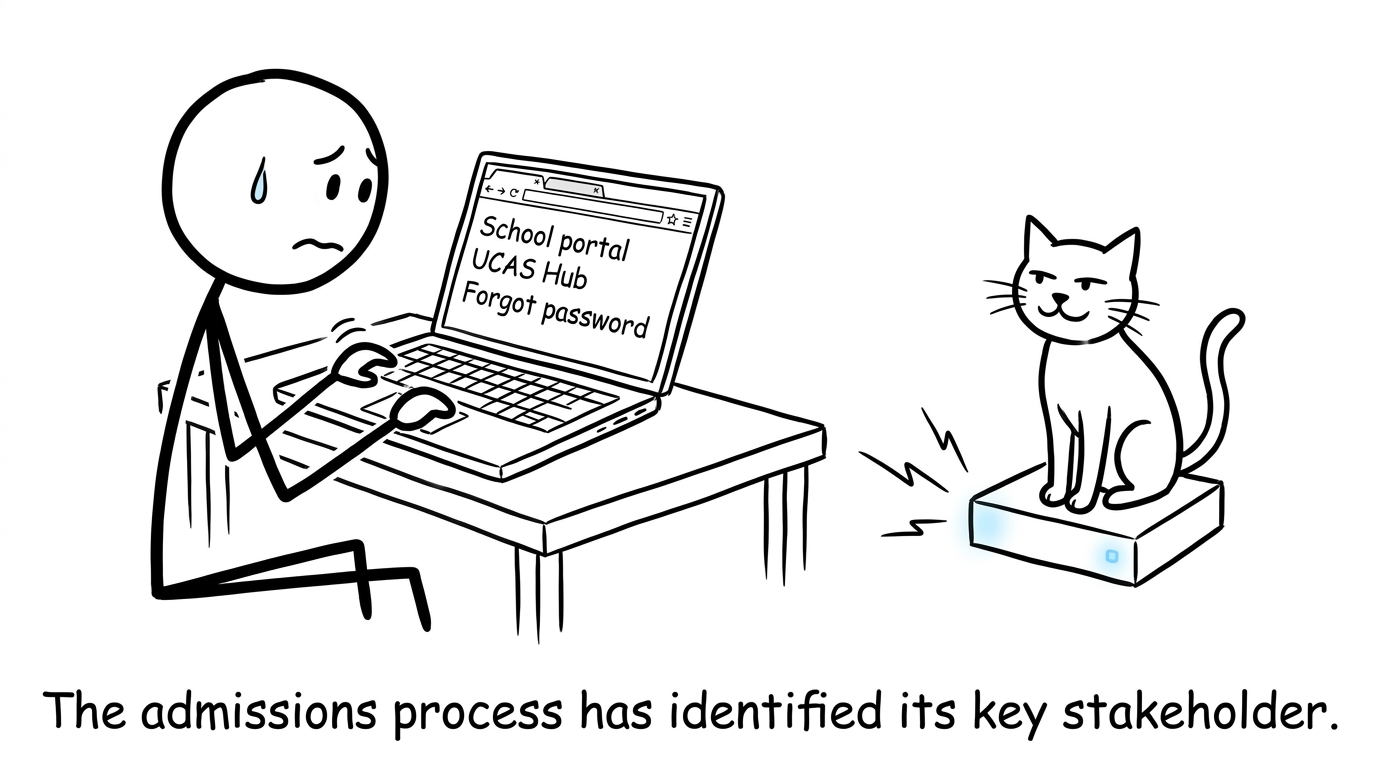 A nervous student checking school and UCAS browser tabs while a cat supervises the router
Step 1: Confirm your school's online arrangements
Schools and colleges do not all release results in the same way. Your centre may use a student portal, send a secure email or require you to request remote access in advance. Check its written instructions for the release time, login process and technical support contact.
Do not assume that you can retrieve grades directly from Edexcel, AQA, OCR or Eduqas. Awarding organisations provide results to examination centres; your school or college then releases them to you.
If you cannot attend in person and your centre has not explained its remote procedure, contact the exams officer before results day. Some centres may offer email delivery or allow an authorised person to collect your statement, but permission requirements vary.
Step 2: Test every login before results day
Sign in to your school portal and UCAS Hub several days beforehand. Check that your registered email address and telephone number still work, then reset forgotten passwords early.
Save your UCAS Personal ID somewhere secure. If you need to telephone a university, having your ID and course details ready will make the conversation easier.
Use a private device where possible. Avoid saving passwords on a shared computer, and never post a photograph containing your full results, candidate details or UCAS information publicly.
Step 3: Open your school portal to see your grades
At the time specified by your school, sign in and find the results or examinations area. Download your statement of results if that option is available, then check:
- your name and candidate details;
- every subject and qualification;
- the grade recorded for each subject;
- whether any result is marked as pending or missing.
If the portal does not load, wait briefly before trying again. Results systems can be busy. Use the school’s official support contact rather than repeatedly changing passwords.
Step 4: Check UCAS Hub, not the old UCAS Track
Students still search for UCAS Track results, but Track has been replaced by UCAS Hub. Sign in to Hub and inspect the status of your choices.
Hub tells you whether a university has confirmed your place or whether another action may be needed. It does not normally show your individual A-level grades. Those grades come from your school or college.
Most relevant qualification results are passed to UCAS and matched with applications, but some qualifications may need to be sent to a university separately. Follow any instructions shown in Hub or supplied by your institution.
Step 5: Read both sources before deciding what to do
Your school statement answers, “What grades did I receive?” UCAS Hub answers, “What has happened to my university application?” You need both pieces of information.
A university may still confirm a place when grades differ from the original offer. Equally, an application status may take time to update. Do not interpret a delayed decision as an automatic rejection.
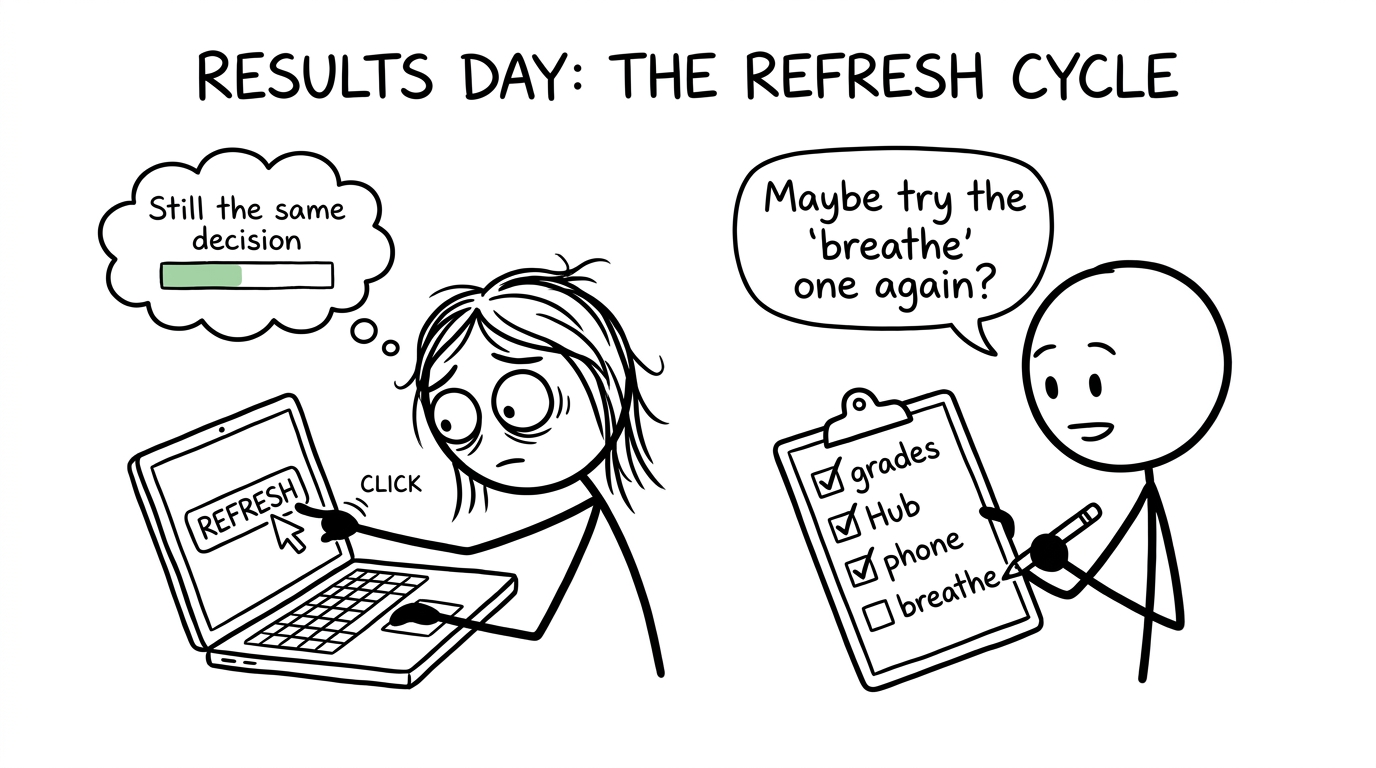 A student refreshes a results page while a friend offers a calmer checklist
Step 6: Contact the right organisation if something is missing
Contact your school or college if you cannot access your grades, a subject is absent or your personal details appear incorrect. Contact the university if Hub has not updated and you need clarification about an offer.
Your school can also explain reviews of marking and access to scripts. These services have deadlines and may involve fees. A reviewed mark can remain unchanged, rise or fall, so discuss the implications before requesting one.
If you are preparing for GCSEs now, results day is still some distance away. Keep the process in perspective: first build the strongest evidence you can in the exam. Use GCSE Maths revision, short GCSE mini tests and board-specific resources such as Edexcel GCSE Maths past papers.
Common mistakes when checking results online
The most common errors are simple but avoidable:
- expecting UCAS Hub to display individual grades;
- waiting until results morning to test passwords;
- relying on an unofficial release time rather than school instructions;
- assuming a delayed Hub update means an offer has failed;
- sharing confidential candidate or application details online;
- making an irreversible decision before reading the available guidance.
Pause, verify and ask. Results day rewards calm administration more than rapid clicking.
Make the work before results day count
Results day lasts a morning; preparation takes months. MathsGenie gives you a free route through both stages. GCSE students can combine revision lessons, practice questions, mark schemes, video solutions and mini tests. When you progress, the A Level Maths revision hub, Edexcel A Level resources, A Level past papers and predicted papers are ready for the next step.
Start revising today, and bookmark MathsGenie’s results-day next-steps guide for clear answers when results arrive.