

Send GCSE Biblical Hebrew Result to Sixth Form
Send GCSE Biblical Hebrew result to sixth form or college confidently. Learn what evidence to provide at enrolment and what to do if it is delayed.

Results day has an odd habit of making simple tasks feel uncertain. You may have your grade in front of you, an offer waiting in another inbox, and no obvious button connecting the two.
If your immediate question is, “How do I send GCSE Biblical Hebrew result to sixth form?”, the short answer is this: follow the receiving institution’s enrolment instructions and provide the official evidence it requests. This will commonly be your complete school-issued statement of results, uploaded through an admissions portal, emailed to admissions or shown at enrolment.
Do not assume the exam board sends your individual result directly to every place where you have applied. The awarding organisation sends results to the school or exam centre that entered you. Your sixth form or college may receive or verify information through its own systems, particularly if you are staying at the same school, but external applicants are often asked to submit their results themselves.
Your results-day checklist
Before doing anything complicated, work through these steps:
- Read the sixth form or college’s results-day and enrolment instructions.
- Collect or securely access your official statement of results.
- Check that Biblical Hebrew appears with the correct grade.
- Submit the whole results document using the requested method.
- Include your full name, application reference and date of birth if requested.
- Keep the original document and save proof of submission.
- Check for formal confirmation of your place and subjects.
- Contact both admissions and your school’s exams officer if anything is missing.
For the wider timetable around results and enrolment, use MathsGenie’s GCSE results day timeline.
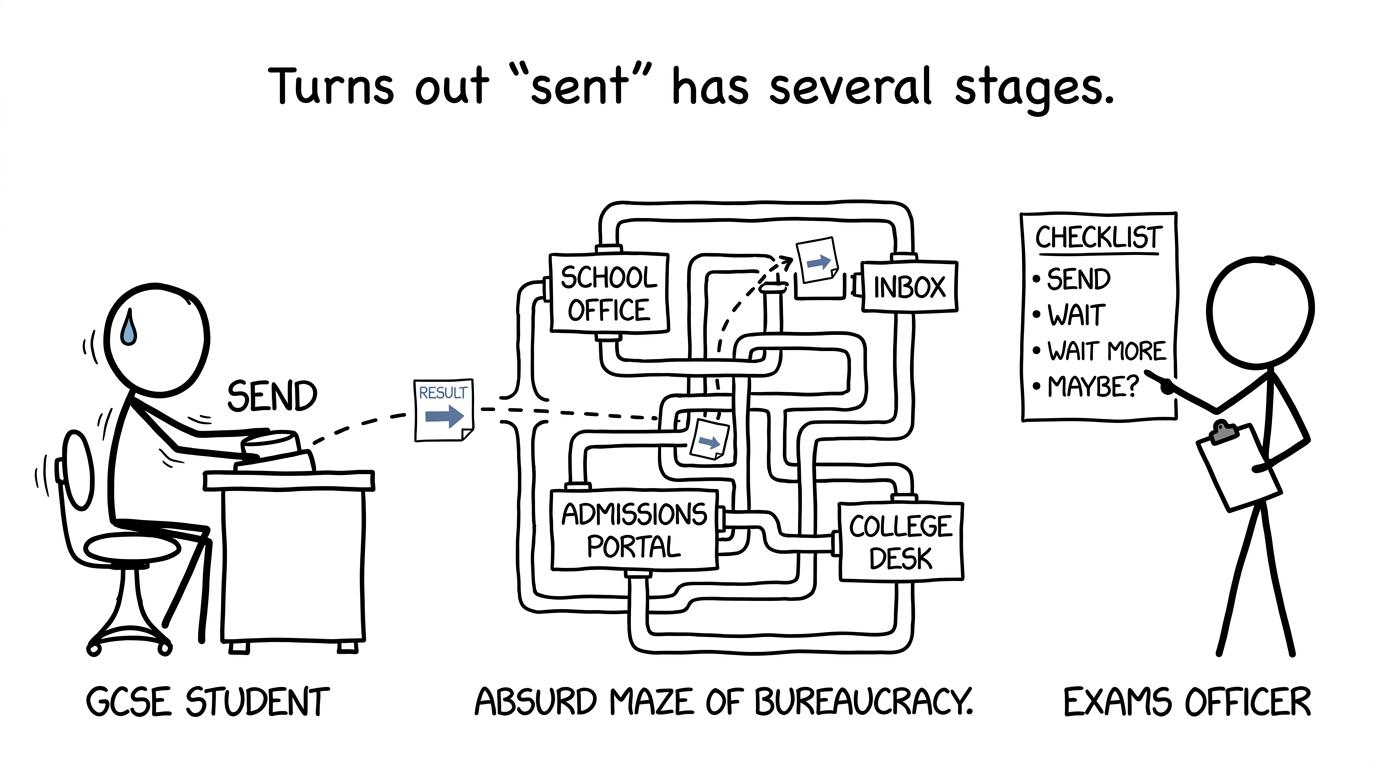 A GCSE result navigating the many stages between school and college admissions
How GCSE Biblical Hebrew results actually travel
There are several stages hidden inside the word “sent”. Understanding them removes much of the uncertainty.
The awarding organisation sends the result to your exam centre
If you took the current Pearson Edexcel GCSE Biblical Hebrew qualification, its specification code is 1BH0. Your school may have taught the subject, or you may have been entered through another approved exam centre as a private candidate.
Pearson sends the result to the centre that made the entry. The centre then releases it to you according to its own arrangements. For the June 2026 series, GCSE results are released to candidates on Thursday 20 August 2026. Schools and exam centres may use collection, email or a secure portal, so check your centre’s instructions rather than assuming one universal method.
Your results slip is normally a statement of provisional results. The final certificate follows later. You do not usually need to wait for that certificate to begin sixth-form or college enrolment.
You provide evidence to the receiving institution
A new sixth form or college may ask you to:
- upload a photograph, scan or PDF of your results slip;
- enter each grade into an admissions portal;
- email the complete results document;
- bring the original statement to an enrolment appointment; or
- authorise a school-approved or digital verification process.
The exact route varies. Some institutions require action on results day, while others arrange appointments during the following week. The instruction in your offer email or applicant portal is therefore more important than general advice online.
If you are moving into your current school’s own sixth form, staff may already have access to your results. Even then, complete every confirmation or enrolment task you have been given. Knowing your grades and formally accepting your place are not always the same step.
MathsGenie’s guide to GCSE results and sixth-form offers explains how conditional offers become confirmed places.
What evidence should you send?
Your safest evidence is the complete, centre-issued statement of results, not a message containing only one grade.
The document should clearly show:
- your name;
- your school or exam centre;
- the relevant exam series;
- the qualification title;
- your Biblical Hebrew result; and
- the other qualifications requested for enrolment.
A sixth form usually needs your complete GCSE profile because its offer may include both general entry requirements and subject-specific conditions. Sending only the Biblical Hebrew line can create another round of emails when admissions staff need to see your English, maths or other GCSE grades as well.
Use a clear scan, PDF or well-lit photograph. Include every page and do not crop away identifying information. Never edit the document or recreate it in a word processor. If a portal asks you to type grades manually, enter them exactly as shown and upload the original evidence where requested.
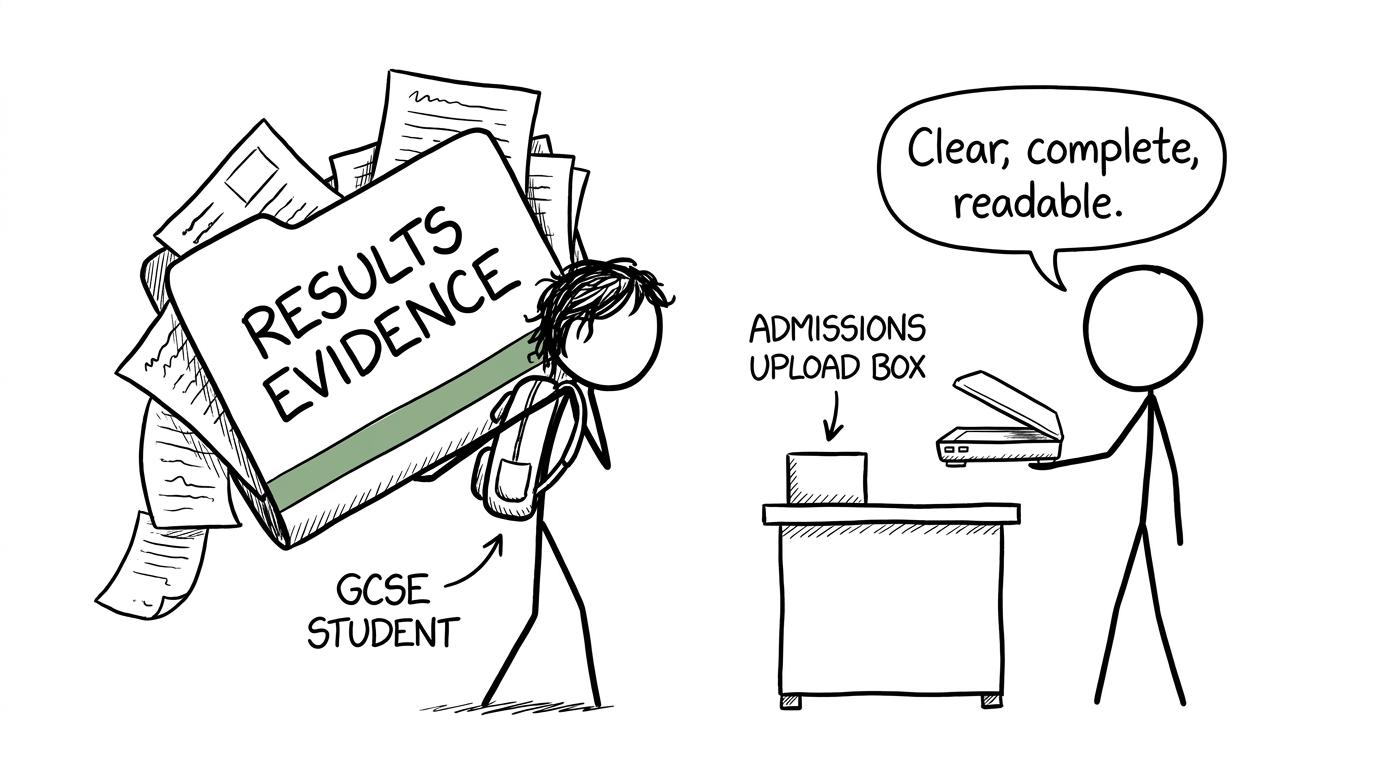 A student discovers that admissions prefers clear evidence to an enormous mysterious folder
Biblical Hebrew is not Modern Hebrew
This distinction matters when entering the qualification into an application portal.
Biblical Hebrew and Modern Hebrew are separate GCSE subjects. Do not select Modern Hebrew merely because it is the only similar option visible. Look for the exact title printed on your statement of results.
If Biblical Hebrew is absent from a drop-down menu:
- check for an “other GCSE” or manually entered qualification option;
- enter the official subject title exactly;
- upload your statement of results; and
- contact admissions rather than choosing the wrong subject.
If the institution has rules about which qualifications count towards an admissions total, ask it directly whether GCSE Biblical Hebrew is included. Entry policies differ between providers, and assumptions are less useful than written confirmation.
What to do if the result is delayed or missing
A delay needs action, but not panic. Work out where the information has stopped.
Check your statement first
Look for Biblical Hebrew on the complete document. A pending or missing result is different from a grade that the college has simply failed to record.
If the result is missing from your school-issued statement, contact your school or entering centre’s exams officer immediately. The exams officer can check the entry, result file and awarding-organisation records. Students should not expect a sixth form’s admissions team to resolve an exam-board processing issue.
Private candidates should contact the exam centre through which they entered, even if their teaching took place elsewhere.
Tell admissions before its deadline
Contact the sixth form or college promptly. Explain that the result is pending, provide the rest of your official results and attach any evidence supplied by your exam centre. Ask:
- whether your application can remain under consideration;
- what temporary evidence will be accepted;
- whether the grade affects your general or subject-specific conditions; and
- when admissions needs the final confirmation.
Keep the message factual. Include your application reference and the name of the exams officer or centre handling the query. Save every reply.
Follow up through both routes
The exams officer handles the qualification result. The admissions team handles your place. Keep both informed because fixing one side does not automatically update the other.
Once the result appears, send the revised official statement through the agreed channel. Ask admissions to acknowledge receipt and confirm whether any further action is required.
If you think the grade is wrong
An unexpected result is not the same as a missing result. Speak to your teacher and exams officer about access to scripts, a clerical re-check or a review of marking.
A clerical re-check examines administrative matters such as whether marks were recorded and totalled correctly. A review of marking checks whether the mark scheme was applied correctly. It is not simply a fresh attempt to award more marks, and a result can rise, remain unchanged or fall. Your centre submits the request and must hold your consent.
For the June 2026 series, the JCQ deadline for awarding organisations to receive most review-of-results requests is 24 September 2026, although schools commonly set earlier internal deadlines. Fees and procedures can vary, so use the dates supplied by your exams officer. MathsGenie’s guide to GCSE review requests explains the choices and cautions.
Tell admissions if you are considering a review, especially where one grade affects your offer. Do not assume the institution will reserve a place indefinitely; ask what it will do if the result changes.
Common mistakes when sending your result
Assuming the college already has it
A conditional offer does not guarantee that an external provider automatically receives every grade. Check the enrolment instructions and submit evidence when asked.
Sending an informal screenshot
A cropped portal screenshot, handwritten list or photograph of one line may not provide enough verification. Send the complete centre-issued document unless admissions explicitly accepts something else.
Choosing Modern Hebrew on the form
Use the exact qualification title. If Biblical Hebrew is unavailable, contact admissions rather than entering a different subject.
Waiting for the final certificate
Certificates are issued later. Results-day enrolment normally relies on the official statement of provisional results or another approved form of evidence.
Missing the enrolment deadline
Some providers require results or confirmation on results day. Submit promptly and report technical problems immediately rather than waiting for the portal to repair itself.
Forgetting to retain proof
Save the sent email, upload confirmation or portal screenshot. If there is a dispute about timing, a clear record is valuable.
 A calm revision checklist keeps last-minute panic away from the desk
Keep the administration from consuming your revision
Result-sharing matters, but it should not take over the months before your exams. Prepare the administrative details once: save your application reference, admissions contact, portal login and offer conditions in one secure place. Then return to the work that can still change your grades.
For maths, start with the free GCSE Maths revision hub, where you can choose resources for Edexcel, AQA, OCR and Eduqas. Build a steady routine using the one-month GCSE maths revision plan, then decide when to begin GCSE past papers.
Nearer the examination, Edexcel GCSE Maths predicted papers can provide fresh timed practice. The useful cycle is simple: complete a paper, use the mark scheme, review video solutions, identify lost marks and return to focused practice questions or mini tests.
Send the evidence, then get confirmation
The central idea is reassuringly straightforward. Your exam board reports the GCSE Biblical Hebrew result to the centre that entered you. You receive official evidence from that centre, then follow the sixth form or college’s own process for reporting and verifying your grades.
Send a clear, complete document. Use the exact qualification title. Keep proof. If the grade is delayed, contact your exams officer and admissions team without waiting for one to contact the other.
Once those details are organised, return your attention to the next paper. MathsGenie gives you free revision lessons, practice questions, mini tests, past papers, predicted papers, mark schemes and video solutions so that preparation feels structured rather than improvised. Choose your exam board in the GCSE revision hub and make today’s next revision step a small, definite one.