

GCSE Results Day Social Media: Do's and Don'ts
GCSE results day social media advice: share safely, protect your privacy, avoid comparison and celebrate friends without creating extra pressure online.
Results day can compress years of effort into one small envelope and one very loud morning. Before posting, remember the simplest GCSE results day social media rule: pause, protect personal information and consider how your post may affect both you and your friends.
You are allowed to celebrate. You are equally allowed to say nothing. Posting GCSE results online is a choice, not another test you have to pass.
Your results-day posting checklist
Before sharing anything, ask:
- Is personal information visible?
- Have other people agreed to appear in the post?
- Am I posting because I want to, or because I feel pressured?
- Would I be comfortable with this being copied or seen later?
- Could my wording make someone else’s difficult morning harder?
The official date for GCSE results day in 2026 is Thursday 20 August, although collection arrangements are set by individual schools and colleges. Check their instructions rather than relying on a social media post.
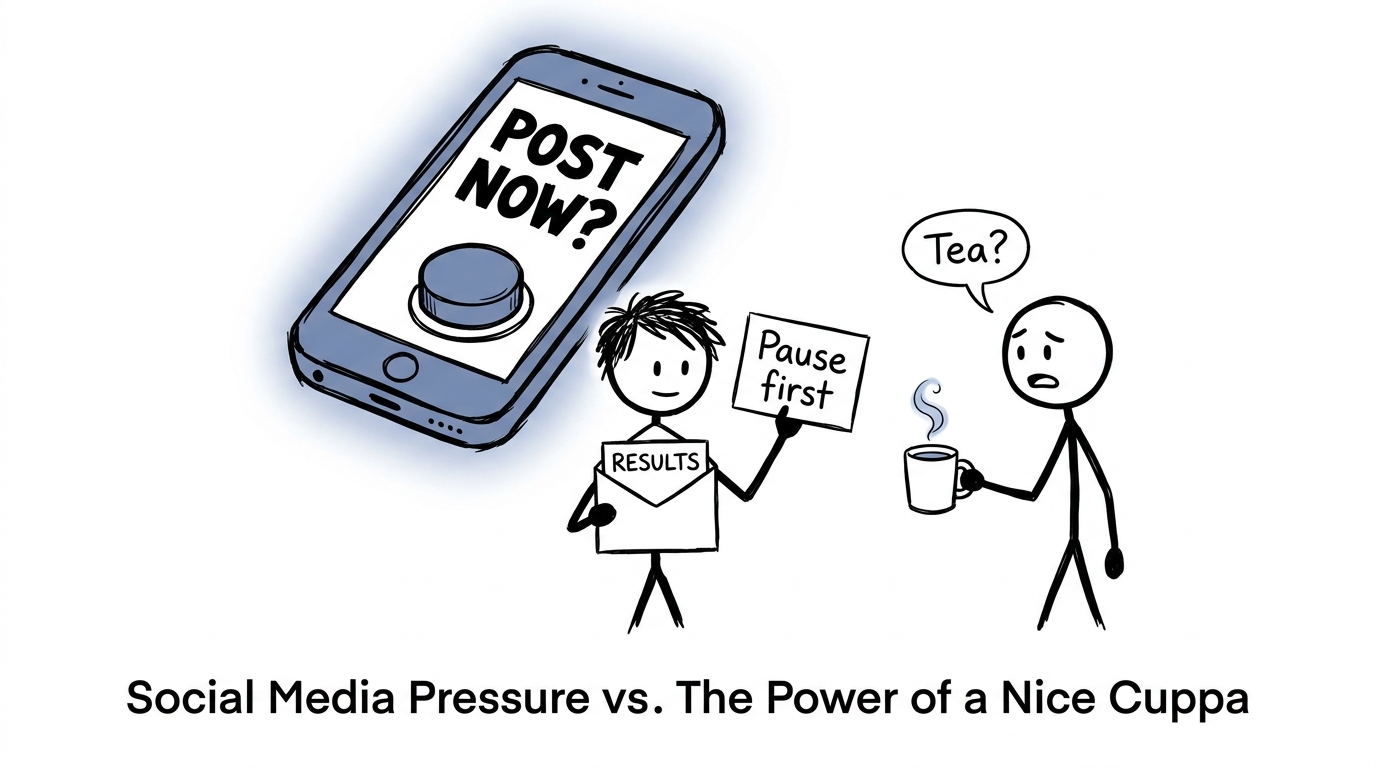 A student calmly pauses before pressing an enormous social media button
Do: pause before posting GCSE results online
Results create instant emotion. Relief, pride, disappointment and surprise can arrive together. Give yourself time to understand what your grades mean before turning them into content.
Speak to teachers about sixth-form, college, resit or review options first if anything is unexpected. A post written ten minutes later will still exist; a decision made calmly is usually better than one made for an audience.
Don’t: upload your complete results slip
A results document may display more than grades. Your full name, school, candidate details or other identifying information could be visible.
If you choose to share, write the grades separately or crop and cover every unnecessary detail. Check your privacy settings and switch off location sharing. Official UK online-safety guidance also recommends limiting personal information and getting consent before uploading another person’s image or details.
Do: ask friends before including them
A group photograph may feel harmless, but not everyone wants their school, location or emotions shared. Ask clearly before posting somebody’s face, results or reaction.
Consent is not complicated. A quick question can prevent a much longer argument.
Don’t: turn grades into a comparison league
Social media shows selected moments, not the complete morning. You may see celebrations while missing private disappointment, changed plans or complicated circumstances.
Avoid captions that rank friends, mock lower grades or suggest that one set of results determines intelligence. A grade matters for some next steps, but it is not a measurement of someone’s worth.
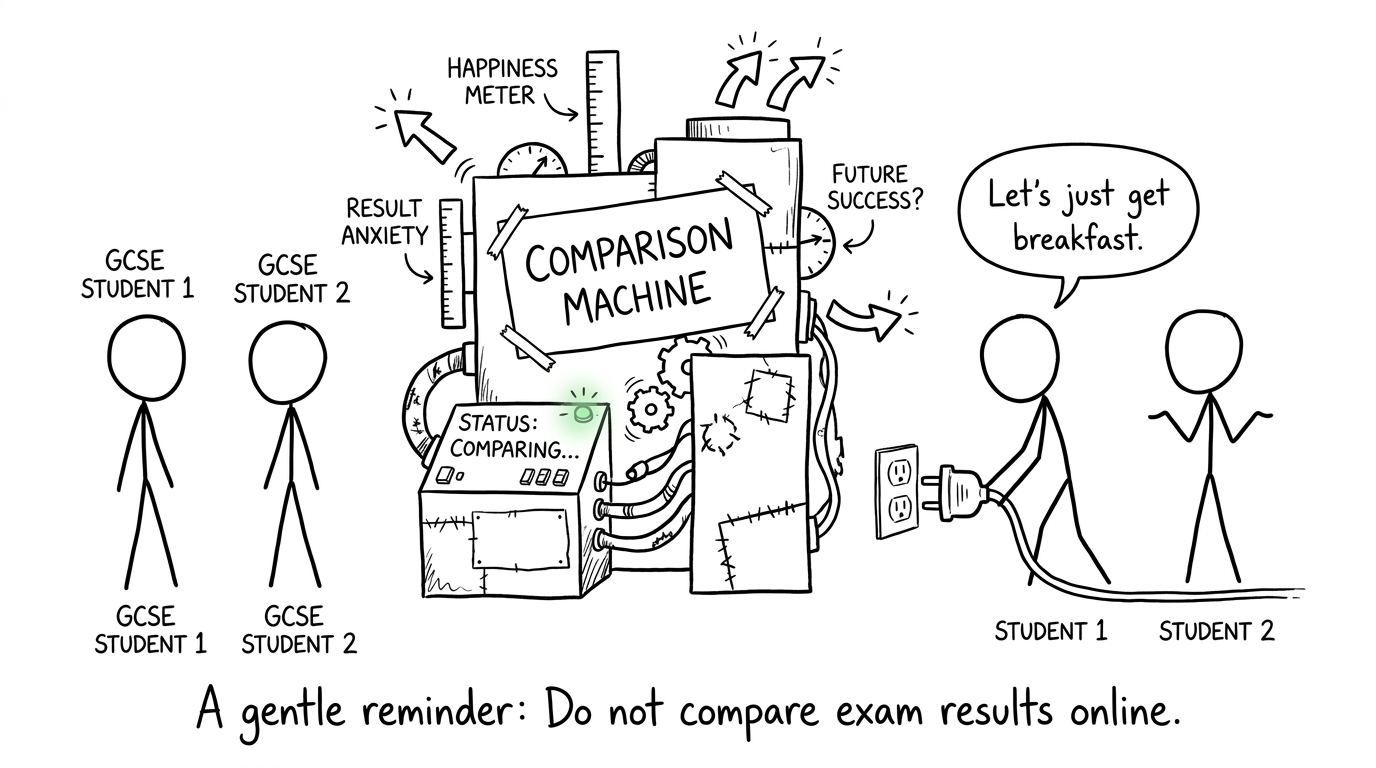 Students unplug a ridiculous machine designed to compare happiness
Do: celebrate without adding pressure
You can be proud and considerate at the same time. Thanking teachers, recognising effort or sharing what comes next often communicates more than displaying every grade.
When replying to friends, follow their lead. Congratulate them if they are pleased. If they are disappointed, avoid demanding details or immediately offering comparisons. A private message may be kinder than a public comment.
Don’t: argue about grade boundaries online
If a result seems wrong, screenshots and speculation will not resolve it. Contact your school or college promptly and ask about marks, access to scripts, reviews of marking and any relevant deadlines. Let qualified staff explain the available route before sharing accusations publicly.
Common mistakes on results day
Common errors include posting a readable results slip, tagging friends without permission, revealing a live location and assuming a private story cannot be copied. Another is deleting a post and believing it has disappeared everywhere. Photos and comments can be saved or reshared, so treat every upload as potentially lasting.
The best protection is not panic. It is a short pause before pressing publish.
Keep the bigger journey in view
Your feed will move on quickly. Your next step deserves more thought. Whether you are celebrating, reconsidering a plan or preparing for a maths resit, you can return to free GCSE Maths revision, choose resources for boards including AQA GCSE Maths and Edexcel, or practise with GCSE papers.
MathsGenie also provides GCSE predicted papers and focused Edexcel GCSE Maths mini tests, alongside revision lessons, practice questions, mark schemes and video solutions.
Share your results if it feels right. Keep them private if that feels better. Then give your attention to the part no post can decide: what you choose to do next.