

GCSE ICT Exam-Day Kit: What You Actually Need
GCSE ICT exam day kit checklist: pack the right stationery, avoid banned devices, check calculator rules and prepare calmly the night before your exam.

There is a particular kind of panic that arrives on the morning of an exam. It is rarely about the hardest question. It is about the pen that has stopped working, the calculator left on a kitchen table or the sudden thought that perhaps you needed a memory stick after all.
A sensible GCSE ICT exam day kit is reassuringly small: a transparent pencil case, at least two black pens, basic drawing equipment and only the additional items authorised for your specific paper. For an on-screen assessment, your school or college will normally provide the computer and required files. Do not assume that personal devices, notes or portable storage are permitted.
The important word is specific. GCSE ICT, Computer Science and digital qualifications do not all use identical assessment arrangements. Check your timetable, qualification title, exam board and paper instructions before packing.
Your night-before checklist
Use this as your final check rather than a shopping list. Your school’s instructions and the front of the question paper always take priority.
- Confirm the exam date, start time, room and arrival time.
- Check the exact qualification, exam board and paper or unit.
- Pack a transparent pencil case.
- Pack at least two working black ballpoint pens.
- Add pencils, an eraser, a sharpener and a ruler if relevant.
- Pack an approved calculator only if your paper permits or requires one.
- Remove any calculator cover carrying instructions or formulae.
- Check that the calculator works and that its battery is reliable.
- Prepare a clear, label-free water bottle if your centre allows one.
- Leave notes, watches, earbuds, smart devices and portable storage outside the exam room.
- Set out any identification your school has told you to bring.
- Put your bag by the door and set an alarm with enough travelling time.
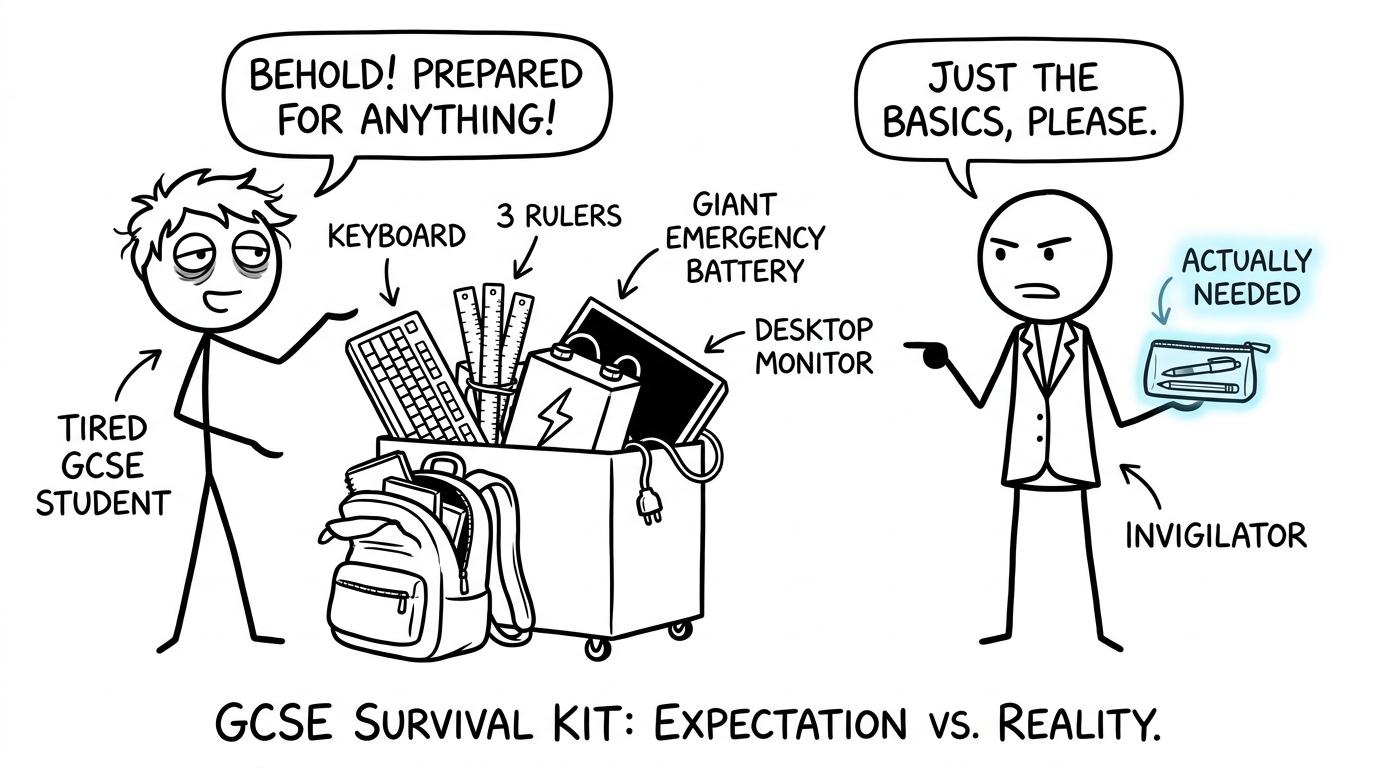 A student discovers that a transparent pencil case is more useful than an absurdly overpacked exam bag
First, identify which exam you are sitting
Students often use “ICT” as a broad label for several different courses. You might be taking a written Computer Science paper, an on-screen test, an international GCSE ICT practical or an externally assessed unit within a digital qualification. The equipment rules can therefore differ.
Write down four details:
- the full qualification title;
- the exam board;
- the paper or unit code;
- whether the assessment is written, on-screen or practical.
Do not copy another student’s kit simply because their subject sounds similar. AQA, OCR, Pearson Edexcel, Eduqas, CCEA and international exam boards may set different paper-specific requirements. Even two units within one qualification can have different arrangements.
Your school’s exams officer or subject teacher can resolve uncertainty. Ask before exam morning, particularly if the assessment involves specialist software, supplied data files or access arrangements.
What belongs in a GCSE ICT exam day kit?
A transparent pencil case
JCQ guidance requires pencil cases taken into an exam room to be see-through. A small transparent case also makes the final check easier: you can see immediately whether both pens are present.
Avoid filling it with revision cards, scraps of paper or stationery printed with subject information. The goal is not to prepare for every imaginable emergency. It is to remove avoidable uncertainty.
At least two black pens
Current JCQ candidate guidance tells students to prepare at least two black ink pens. Test both the night before. A spare pen is valuable because it solves a predictable problem without requiring you to borrow equipment during the assessment.
For a written paper, use black ink unless the paper says otherwise. Highlighters may be useful for reading a question but should not be used in your answers. Correction fluid and erasable pens are poor choices because exam scripts may be scanned and the writing needs to remain clear.
Basic drawing equipment
A pencil, ruler, eraser and sharpener cover most ordinary needs. Only add equipment such as a protractor or pair of compasses when your centre or paper instructions indicate that it is relevant.
That same disciplined approach helps with GCSE maths. The GCSE Maths revision hub lets you choose your board and practise with the equipment appropriate to each paper rather than discovering unfamiliar tools on exam day.
A calculator, when authorised
Calculator permission depends on the assessment. Read the front of the paper and follow instructions from your centre. JCQ rules place responsibility on candidates to ensure that a calculator is compliant and working properly.
A permitted calculator must not provide prohibited facilities such as communication with the internet, symbolic algebra manipulation or access to stored text and formulae. Clear stored information, check the power supply and remove covers containing printed instructions. You cannot substitute a phone calculator for an approved calculator.
Maths students should also distinguish carefully between calculator and non-calculator papers. Use MathsGenie’s Using a Calculator practice questions to make the calculator familiar before the exam. Familiar equipment reduces button errors, but it cannot replace showing the working needed for method marks.
Water, if your centre permits it
If you take water into the room, centres generally require a clear bottle without a label. Check your school’s policy rather than assuming that every drink or container will be accepted.
Food, medication and medical equipment may be managed differently. If you have an approved access arrangement or medical need, follow the plan agreed with your school. Do not improvise on the day.
What your school normally provides
For an on-screen or practical ICT assessment, the centre normally manages the secure device, network arrangements, software and assessment files. You should not need to bring your own laptop, keyboard or storage device unless the centre has given explicit authorised instructions.
This matters because an on-screen test is still a formal exam. Ordinary classroom habits do not automatically apply. Internet access, email, artificial intelligence tools, spellcheckers, prepared templates, graphics software or spreadsheets may be unavailable unless the assessment specifically allows them.
You are responsible for arriving prepared and following instructions. The centre is responsible for providing the controlled assessment environment. Keeping that boundary clear makes packing much simpler.
Items to keep out of the exam room
JCQ rules prohibit candidates from possessing unauthorised material, whether or not they intended to use it. Leave these items outside the room or hand them in according to your centre’s procedure:
- mobile phones;
- analogue, digital and smart watches;
- earbuds or headphones;
- smart glasses and other smart devices;
- revision notes and cue cards;
- portable storage such as USB memory sticks;
- unauthorised dictionaries or prepared templates;
- your own laptop or tablet unless formally authorised.
Turning a phone off is not the same as making it authorised. A silent alarm, notification or forgotten device can create a serious problem. The safest routine is to follow your school’s collection procedure before entering.
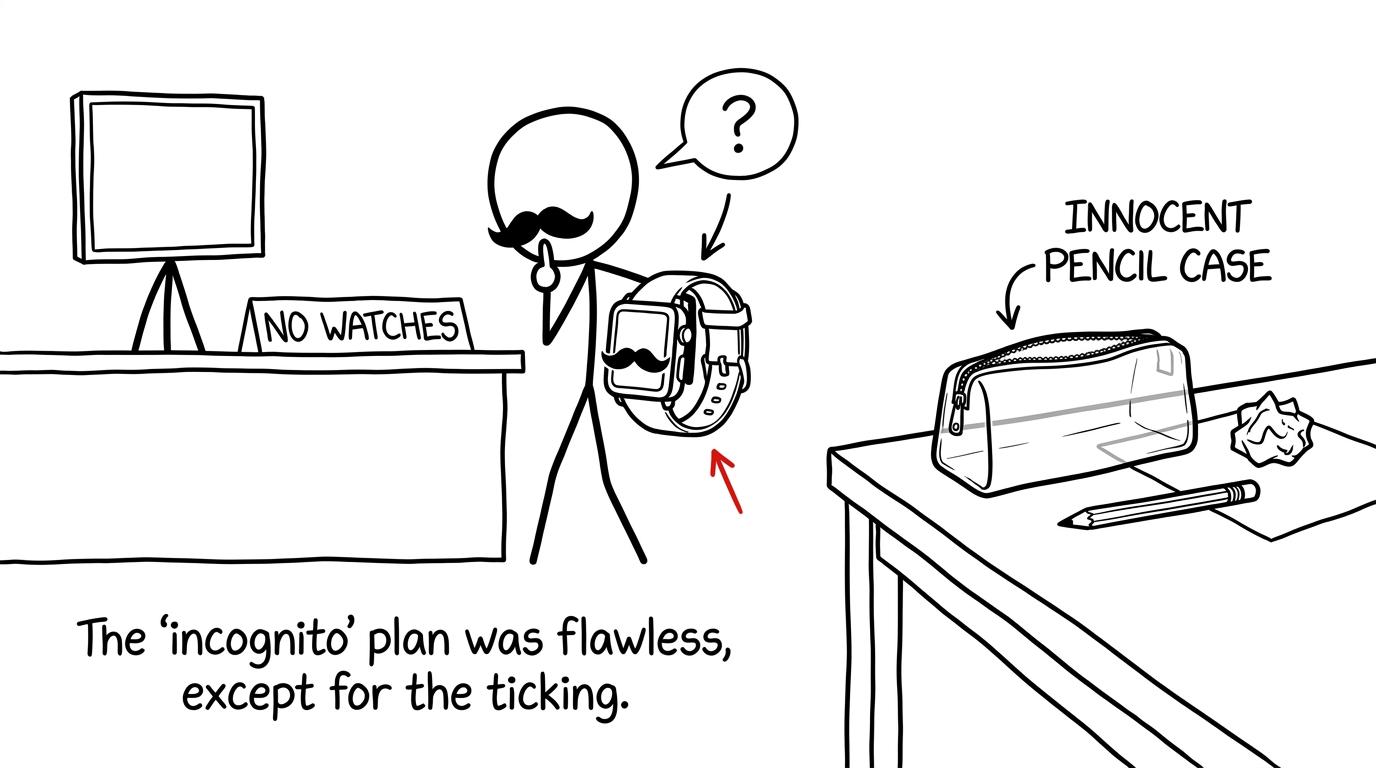 A smartwatch in disguise fails to sneak past the no-watches sign
Rehearse the kit before the real exam
Equipment should become boring before exam day. Use the same pens, ruler and approved calculator during timed practice so that nothing feels new.
For maths preparation, complete a paper from the Edexcel GCSE Maths past papers or OCR GCSE Maths past papers under realistic conditions. Students who are not ready for a full paper can begin with the shorter GCSE Maths 45-minute tests.
The useful routine is simple:
- clear the desk;
- put your phone in another room;
- use only authorised equipment;
- follow the paper’s calculator rule;
- work to the stated time;
- mark the paper immediately afterwards.
MathsGenie’s guide to using GCSE past papers properly explains how to move from the paper to the mark scheme, identify lost marks and repair weak topics. Nearer the exam, GCSE predicted papers can provide fresh practice, although they should support rather than replace official past papers.
A calm final evening
The evening before an exam is not the moment to redesign your entire revision plan. Confirm the logistics, pack the small kit and stop at a sensible time.
Lay out your clothes, check your route and place your transparent pencil case beside your bag. If your calculator is allowed, switch it on and complete a brief function check. Then leave it alone. Repeated checking often feels productive while quietly feeding anxiety.
If you still need revision, choose one short, familiar activity. Review an error log, complete a mini test or revisit one lesson. The MathsGenie revision planner and free resources can help you give that final session a clear stopping point.
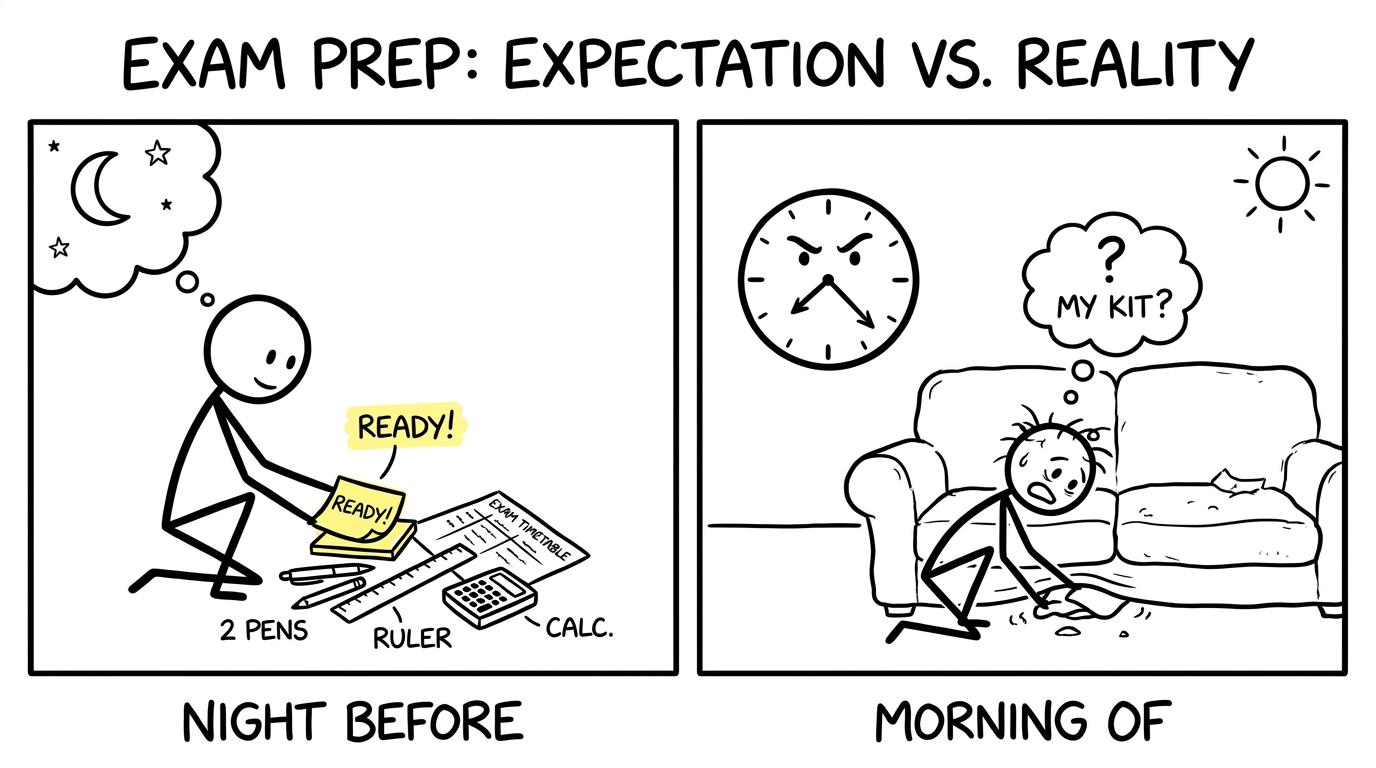 One student packs calmly at night while another searches under a sofa on exam morning
Common exam-kit mistakes
Assuming every digital exam permits the same equipment
A written Computer Science paper and an on-screen digital assessment are not interchangeable. Check the exact unit rather than relying on the subject nickname.
Bringing a phone “just for the journey”
The journey is not the problem; possession inside the exam room is. Know where your centre requires phones and watches to be stored before you enter.
Packing an unauthorised memory stick
Your school manages secure assessment files. A USB drive that contains nothing useful can still be unauthorised. Only bring portable storage if your centre has explicitly instructed you to do so.
Forgetting the calculator distinction
Do not bring a calculator into a non-calculator paper or assume one will be supplied. For a calculator paper, check that yours is compliant, working and familiar.
Treating access arrangements as something to organise that morning
A reader, scribe, supervised rest break, approved word processor or modified paper must be arranged through the centre. If anything seems unclear, speak to the SENCo or exams officer well before the assessment.
Packing perfectly but arriving late
Equipment cannot recover time lost through a mistaken start time or room. Check your timetable against your school’s latest instructions and aim to arrive at the requested reporting time.
Make preparation smaller and more dependable
A good exam kit is not impressive. It is quiet, compliant and complete. Two black pens matter more than a bag full of unlikely backups. Knowing your paper matters more than guessing what another student is carrying.
Tonight, confirm the assessment, pack the checklist and remove prohibited devices. Then return your attention to the work that can improve your grade. Use MathsGenie’s free revision lessons and practice questions to strengthen individual topics, then test those skills with past papers, predicted papers, mini tests, mark schemes and video solutions.
Preparation works best when it reduces decisions. Pack once. Check once. Arrive knowing that the practical details have already been handled.