Calculator Skills for A-Level Maths Mocks
Calculator skills for A-Level Maths mocks made practical. Learn modes, exact values, equation solving, statistics and effective checking techniques.
Mock season often reveals a strange gap. A sixth-form student can understand the mathematics, write down the right method and still lose marks because the calculator is in the wrong mode. Another student types an expression without brackets and trusts an answer that should immediately look suspicious.
Calculator skills for A-Level Maths mocks are not separate from mathematical understanding. You need to know which calculation to perform, how to enter it accurately and whether the result is reasonable. The menus vary between models, but the underlying habits remain the same.
This guide follows a student through the final days before a mock, building those habits one at a time. For focused preparation, use the MathsGenie A-Level Maths revision resources alongside the examples below.
Your calculator skills checklist
Before an A-Level Maths mock, make sure you can:
- switch confidently between degree and radian mode
- enter fractions, powers, roots and logarithms correctly
- use brackets to preserve the intended order of operations
- move between exact and decimal forms
- solve equations numerically and interpret every relevant root
- calculate summary statistics and probabilities
- store unrounded values for later calculations
- recognise when a calculator answer is unreasonable
- reset any unusual settings before the examination
The calculator should make routine computation faster. It should not make your mathematical decisions for you.
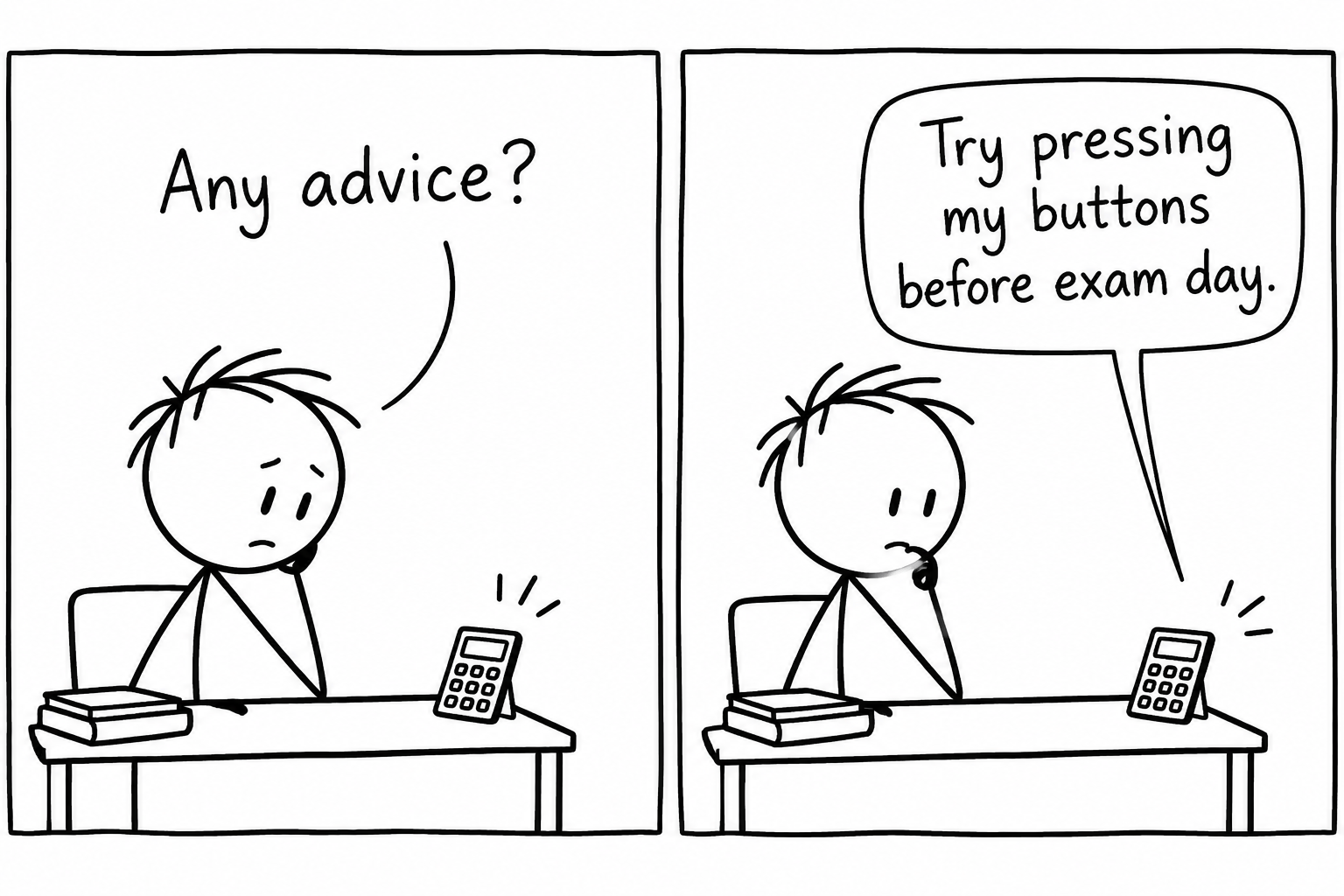 A sixth-form student receives blunt revision advice from a calculator
Begin with modes, not buttons
On the Monday before the mock, imagine our student revising trigonometry. They evaluate sin(2)\sin(2)sin(2) and receive an unexpected decimal. The calculation is not broken. The calculator is simply interpreting 222 as degrees when the question uses radians.
At A Level, angles may be measured in degrees or radians. Always check the notation and context before entering a trigonometric calculation.
For example, in radian mode:
sin(π6)=12.\sin\left(\frac{\pi}{6}\right)=\frac{1}{2}.sin(6π)=21.In degree mode:
sin(30∘)=12.\sin(30^\circ)=\frac{1}{2}.sin(30∘)=21.These represent the same angle, but they require different calculator settings. A sensible routine is to check the mode at the beginning of the paper and again whenever you move into a trigonometry question.
Use MathsGenie trigonometry revision to practise identifying the correct method and mode rather than treating the calculator display as unquestionable evidence.
Enter the mathematics you actually mean
By Tuesday, the problem is no longer the mode. It is expression entry. Calculators follow an order of operations, but a complicated fraction can easily be entered in a way that changes its meaning.
Suppose you need to evaluate
3.22+527.\frac{3.2^2+5}{2\sqrt{7}}.273.22+5.If your calculator uses linear entry, enter the numerator and denominator with explicit brackets:
(3.22+5)÷(27).(3.2^2+5)\div(2\sqrt{7}).(3.22+5)÷(27).The value is approximately
2.880.2.880.2.880.Before accepting the display, estimate. The numerator is a little above 151515, while the denominator is a little above 555, so an answer close to 333 is plausible. An answer such as 303030 would suggest an entry error.
This small pause matters. Estimation turns the calculator from an authority into a tool whose work you can inspect.
Preserve exact values and delay rounding
On Wednesday, our student reaches a multi-stage problem. They round an intermediate answer to 0.430.430.43, reuse it twice and discover that the final result does not match the mark scheme.
Keep exact values where possible. For example:
12=22≈0.707106…\frac{1}{\sqrt{2}}=\frac{\sqrt{2}}{2}\approx0.707106\ldots21=22≈0.707106…If a later step requires this value, use the exact form, the stored calculator value or the answer memory. Do not replace it prematurely with 0.710.710.71.
A reliable approach is:
- keep exact surds and fractions during the working
- store long decimal values rather than copying shortened versions
- round only the final answer unless the question tells you otherwise
- state the requested degree of accuracy clearly
Exact form is particularly important in algebra, trigonometry and calculus. Practise recognising suitable forms with A-Level algebra revision and A-Level integration revision.
Use equation solvers with mathematical judgement
By Thursday, the student has discovered the equation solver. It feels almost too powerful. That is precisely why it needs care.
Consider
x3−4x−1=0.x^3-4x-1=0.x3−4x−1=0.A numerical solver can locate approximate roots, but it may require an initial value or search interval. The cubic has three real roots, approximately
x=−1.879,x=-1.879,x=−1.879, x=−0.254,x=-0.254,x=−0.254,and
x=2.115.x=2.115.x=2.115.Finding one root does not prove that you have found every root. A sketch, sign-change check or understanding of the graph helps you choose different starting values and interpret the solutions.
If the question asks you to show an iteration, demonstrate a sign change or use Newton-Raphson, a solver output alone will not replace the required working. The mark scheme may award marks for the method, not merely the final decimal. Build this judgement through MathsGenie numerical methods revision.
Calculator skills in statistics
Statistics menus can save time, but only after the data have been entered correctly. Before calculating anything, check that you have selected the appropriate one-variable or two-variable setting and that frequency values are in the frequency column.
Suppose the values are 222, 444 and 777, with frequencies 333, 222 and 111. The mean is
xˉ=(2×3)+(4×2)+(7×1)3+2+1=216=3.5.\bar{x}=\frac{(2\times3)+(4\times2)+(7\times1)}{3+2+1} =\frac{21}{6} =3.5.xˉ=3+2+1(2×3)+(4×2)+(7×1)=621=3.5.A statistics mode should also return 3.53.53.5. If it does not, inspect the lists before trying a different formula.
For probability distributions, identify what the notation is asking before opening a menu. These are different events:
P(X≤4),P(X<4),P(X≥4).P(X\leq 4), \qquad P(X<4), \qquad P(X\geq4).P(X≤4),P(X<4),P(X≥4).For a discrete random variable taking integer values,
P(X<4)=P(X≤3).P(X<4)=P(X\leq3).P(X<4)=P(X≤3).That conversion is mathematical reasoning. The calculator only evaluates the probability you request. Review the surrounding ideas through MathsGenie statistics revision.
Turn checking into a deliberate strategy
On Friday, the student stops asking, “Which button gives the answer?” A better question has emerged: “How can the calculator test my reasoning?”
Useful checks include:
- substituting a solution back into the original equation
- comparing a decimal with a quick estimate
- checking whether a probability lies between 000 and 111
- confirming that a standard deviation is non-negative
- testing a derivative numerically at one sensible value
- checking whether a trigonometric answer lies in the stated interval
For instance, if you solve
2x=7,2^x=7,2x=7,then
x=log7log2≈2.807.x=\frac{\log 7}{\log 2}\approx2.807.x=log2log7≈2.807.A quick check gives 22<7<232^2<7<2^322<7<23, so 2<x<32<x<32<x<3. The decimal is plausible. You can then substitute the unrounded value to check that 2x2^x2x returns 777 to the expected accuracy.
Common calculator mistakes in A-Level Maths mocks
The most expensive mistakes are often small:
- Wrong angle mode: degrees and radians produce different trigonometric values.
- Missing brackets: the entered expression no longer matches the written mathematics.
- Early rounding: repeated use of a shortened decimal changes the final answer.
- Incomplete equation solving: one numerical root is reported when several are relevant.
- Incorrect probability boundary: P(X<k)P(X<k)P(X<k) is confused with P(X≤k)P(X\leq k)P(X≤k).
- Invisible working: a correct display is copied down without the method required for marks.
- Uncritical trust: an implausible result is accepted because it appeared on the screen.
The cure is not learning every calculator feature. It is practising a smaller group of useful features until the button presses and mathematical checks become routine.
Prepare the way you will perform
During A-Level maths revision, use the calculator you expect to take into the mock, subject to your school and examination rules. Learn where its mode indicator, fraction conversion, equation tools, statistics menus and stored variables are located. Calculator models differ, so consult the official manual for model-specific key sequences.
Then practise under realistic conditions. Attempt A-Level Maths past papers, mark your work and record whether each lost mark came from knowledge, algebra, calculator entry or interpretation. That distinction tells you what to revise next.
Mock season becomes less intimidating when vague worry turns into a short list of repairable skills. Start with one weak area, practise it deliberately, and then test it under time pressure.
For the next step, use MathsGenie's Mock Exam Builder to build a targeted practice paper around the topics that expose your calculator weaknesses. Complete it with full working, check it against the mark scheme, and let each mistake decide what you practise next.