Calculator Mock Paper Tips for GCSE Maths
Calculator mock paper tips for GCSE students: prepare your kit, manage time, show working and turn mock results into focused December revision practice.
November mocks can make a familiar calculator feel unfamiliar. The most useful calculator mock paper tips are straightforward: know your calculator, show your method, check answers for reasonableness and use lost marks to choose your next revision tasks.
A mock is a diagnostic, not a verdict. For Year 10 and Year 11 students, it reveals which skills are secure and which need attention. Moving from a nervous November paper to a calmer December retest usually involves small, repeatable improvements rather than a sudden change in ability.
Your calculator mock checklist
Before the paper:
- Confirm your exam board, tier and paper.
- Practise with the calculator you will use.
- Check that it works and its batteries are reliable.
- Learn the fraction, power, root and bracket functions.
- Check degrees mode before trigonometry.
- Complete timed practice and review your mistakes.
Start with the free GCSE Maths revision hub to find revision lessons, exam questions and resources for your board.
Make the calculator familiar
Use the same calculator during lessons, homework and revision. Learn how its display handles fractions, negative numbers and standard form. For relevant higher tier topics, practise entering calculations involving sin\sinsin, cos\coscos, tan\tantan and π\piπ.
GCSE trigonometry questions usually require degrees. Check the mode before calculating: a correct method entered in radians can produce a convincing but incorrect answer.
Follow your school’s instructions and current examination rules about stored information and calculator covers. Ask your teacher about suitability before mock day. Your aim is to make calculator use routine so that your attention stays on the mathematics.
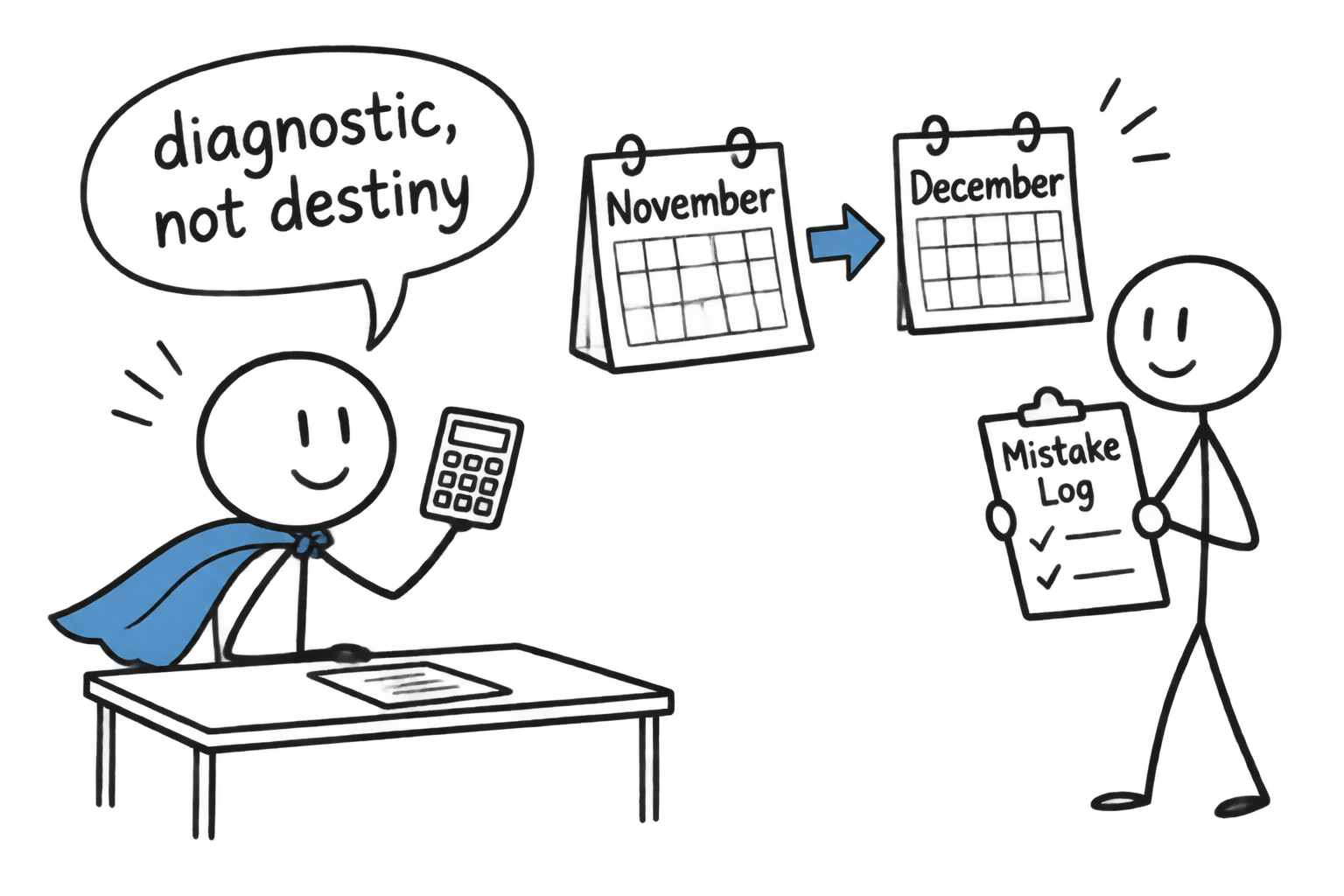 A GCSE student discovers that a mock is a diagnostic rather than destiny
Calculator mock paper tips for the exam
Read first, calculate second
Identify what the question asks before touching the keys. Check units, percentage changes, scale factors and rounding instructions. Decide on a method, then enter the calculation.
A calculator processes your input; it cannot decide whether you chose the right operation. Writing a short calculation first gives you something to compare with the screen.
Check brackets and retain accuracy
Long expressions need careful entry, especially when a fraction has several terms in its numerator or denominator. Use fraction templates or brackets to preserve the structure, then review the display before pressing equals.
Keep full calculator accuracy during intermediate stages unless instructed otherwise. Round the final answer as requested. If you write a rounded intermediate value, indicate that it is approximate and retain the unrounded value for subsequent calculations.
Estimate and show working
Ask whether the result has a sensible size and sign. A percentage decrease should make a positive starting amount smaller; a length cannot be negative; a probability lies between 000 and 111.
Write the formula, substitution or calculation leading to your answer. Method marks may be available even when the final answer is incorrect, depending on the mark scheme. Visible working also helps you locate an error without starting again.
Manage time without rushing
Protect your time from being swallowed by one difficult question. Make a steady first pass, recording useful working wherever you can. If you cannot find a route after a reasonable attempt, mark the question and return later.
Repeatedly entering the same calculation is rarely a useful check. Review the method, input and expected size instead. Identical results only confirm that the calculator repeated your instructions.
Leave time to check unanswered parts, units and rounding. Rehearse this using the Edexcel 45-minute maths tests, or choose appropriate timed resources for your own board.
Use the time limit stated on the paper you are practising. During review, notice whether unfinished questions came from slow calculation, uncertain methods or spending too long checking answers you already understood. Each cause needs a different adjustment.
Turn the mock result into a revision plan
When the marked paper returns, look beyond the grade. Sort lost marks into four groups:
- Knowledge: you did not know the topic or method.
- Calculator use: your entry, brackets or mode were incorrect.
- Exam technique: you missed working, units or instructions.
- Timing: you could answer later but struggled under pressure.
Each category suggests a different response. A knowledge gap needs explanation and topic practice. A calculator error needs rehearsal with the device. A timing problem needs practice making decisions under exam conditions.
For Edexcel, use GCSE Maths past papers alongside mark schemes and worked solutions. Students taking AQA, OCR or Eduqas should select resources matching their specification through the revision hub.
For a narrow weakness, GCSE Maths mini tests provide shorter practice. Watch a relevant revision lesson or video solution, attempt questions independently, then revisit the skill later to check that it has stayed secure.
Common calculator mock mistakes
Watch for these recurring errors:
- using radians instead of degrees;
- missing brackets or entering negative numbers incorrectly;
- rounding during intermediate steps;
- copying the display inaccurately;
- giving a decimal when an exact answer is requested;
- omitting units, working or required rounding;
- trusting an answer without checking its size.
Choose the two or three patterns responsible for the most lost marks. Write a specific checking habit beside each one. For missing units, check what quantity the question requests before writing your final answer. For early rounding, retain the calculator value until the calculation is complete.
Make December practice specific
A useful mock turns “revise maths” into a manageable list of skills. Parents can support that process by asking what the paper revealed and what practice comes next.
The GCSE Mock Exam Builder lets students choose topics, length and difficulty for a custom paper with a mark scheme. The Mock Exam Builder guide explains how to use targeted papers.
Choose your weakest topics, complete a timed attempt and mark it honestly. Compare the mistakes as well as the total. Then use MathsGenie’s free lessons, practice questions, mini tests and video solutions to address what remains. Build your next targeted practice paper with a clear purpose: checking whether your revision has changed what you can do independently.