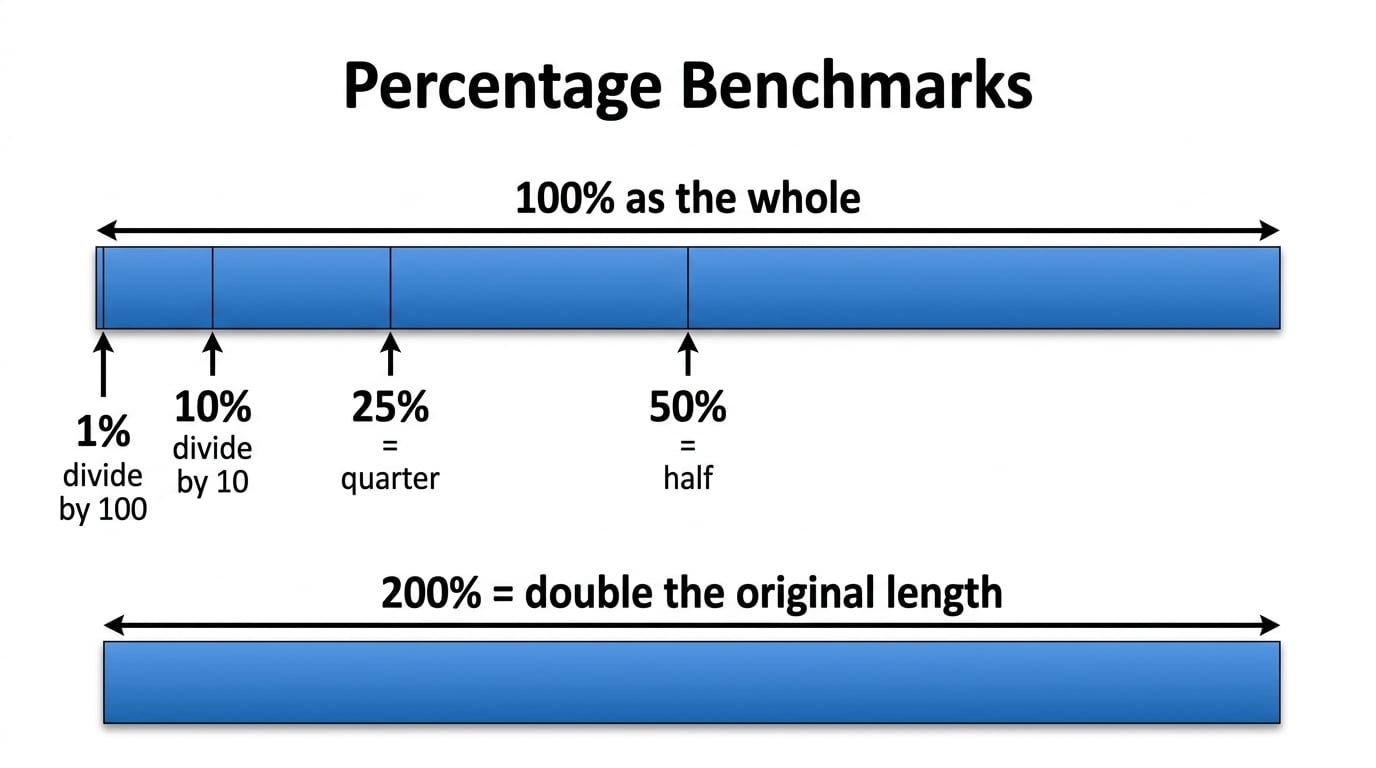
Finding a Percentage of an Amount without a calculator
Percent means out of 100
When we work out percentages without a calculator we usually start by working out 50%, 10% or 1%.
50% is the same as 50⁄100
We can simplify 50⁄100 by dividing the top and bottom by 50
50⁄100 = 1⁄2
We work out 50% of a number by halving it.
10% is the same as 10⁄100
We can simplify 10⁄100 by dividing the top and bottom by 10
10⁄100 = 1⁄10
We work out 10% of a number by dividing it by 10.
1% is the same as 1⁄100
We work out 1% of a number by dividing it by 100.
Example 1: Work out 50% of £320
To work out 50% of an amount we divide it by 2
£320 ÷ 2 = £160
50% of 320 = £160
Example 2: Work out 10% of £320
To work out 10% of an amount we divide it by 10
£320 ÷ 10 = £32
10% of 320 = £32
Example 3: Work out 1% of £320
To work out 1% of an amount we divide it by 100
£320 ÷ 100 = £3.20
1% of 320 = £3.20
Try these:
Finding a Percentage of an Amount with a calculator
We can also use a calculator to work out a percentage of an amount.
We can either use the percentage button or convert the percentage to a decimal or fraction first.
Using the percentage button
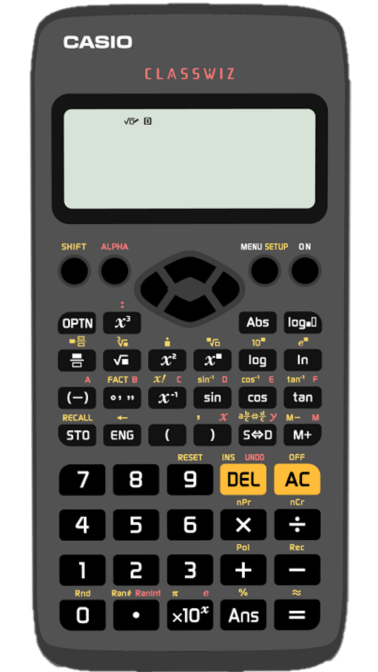
On the Classwiz calculator to get % press SHIFT then the ANS button:

 =
= 
Example 7: Work out 37% of 450
On the calculator we type 37% × 450:
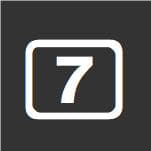

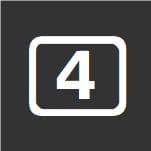


This gives an answer of 333⁄2, we can press the SD button to get a decimal answer:

333⁄2 = 166.5
Converting to a decimal or a fraction
We can convert percentages to decimals or fractions.
To convert a percentage to a decimal we divide by 100
54% = 0.54
7% = 0.07
84% = 0.84
59% = 0.59
Example 8: Work out 27% of 350
27 ÷ 100 = 0.27
27% = 0.27
We type 0.27 × 350 into the calculator:

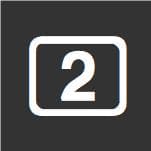
This gives an answer of 189⁄2, we can press the SD button to get a decimal answer:
189⁄2 = 94.5
A percentage is the same as a fraction out of 100, we can We can convert percentages to fractions. by writing them over 100
55% = 55⁄100
9% = 9⁄100
87% = 87⁄100
29% = 29⁄100
17.5% = 17.5⁄100
Example 9: Work out 82% of 125
82% = 82⁄100
We type 82⁄100 × 125 into the calculator:
This gives an answer of 205⁄2, we can press the SD button to get a decimal answer:
205⁄2 = 102.5
Try these: